BBS over HF
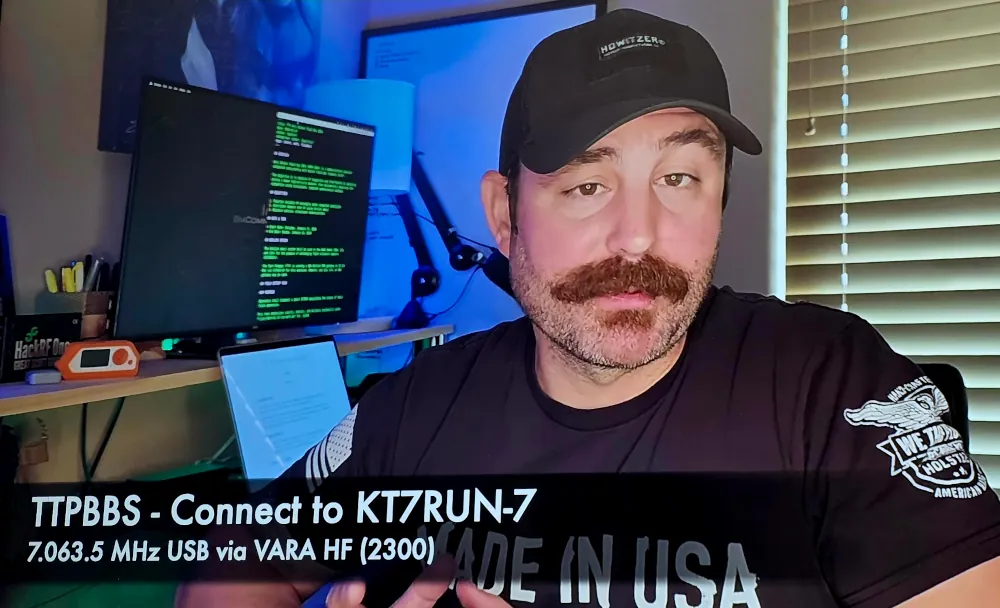
I’ve been a big fan of Gaston, KT7RUN The Tech Prepper forever. I’ve always thought his focus on digital modes was very cool and extremely useful from the preparedness mindset. In some of his latest videos he setup a BBS over VARA HF. I used to connect to Bulletin Boards over dial up internet back in the day so this was right down memory lane for me.
I struggled a bit with how to connect to the BBS. But here’s a mini tutorial on how to install the necessary software.
Software
VARA HF
Gaston has his BBS accessible on VARA HF. So you need that. I have a Linux tutorial using both Gnome Bottles (if that works for you) and also Wine.
QtTerm
To connect to the BBS you need a packet terminal and that is where QtTerm comes in. For this tutorial we will download the code and compile from source.
The software is at this link. But Chrome/Brave won’t download the file. So I used the terminal like a real radio, command-line Chad.
1
wget http://www.cantab.net/users/john.wiseman/Downloads/QtTermSource.zip
Then install some dependencies (Ubuntu/Mint/Debian):
1
2
sudo apt update
sudo apt install qt5-qmake qtbase5-dev libqt5serialport5-dev qtmultimedia5-dev build-essential
In Terminal navigate to the source directory:
1
cd path/to/QtTermTCP-source
Create a build directory:
1
2
mkdir build
cd build
Generate the make file:
1
qmake ..
Compile the software:
1
make -j$(nproc)   # or just 'make' if you prefer; -j uses all CPU cores for faster build
This will give you a nice QtTermTCP binary file that you can move to ~/bin or usr/local/bin
SITREP
Gaston also shared a Situation Report (SITREP) format on his BBS as part of Anti-Winter Field Day 2026. This is designed to be used as a WinLink check in. I recreated it here for future use in radio excercises.
1
2
3
4
5
6
7
8
9
10
11
12
13
14
15
16
17
18
19
20
21
TO: RECIPIENT
SUBJECT: AS REQUIRED
BODY:

DATE [UTC]: <YYYY-MM-DD>
TIME [UTC]: <HHMM>
LOCATION: <GRID | LAT,LON | UTM>
TEMPERATURE: <TEMP C | F>

POWER: <GRID | SOLAR | BATTERY | MIXED>
ANTENNA: <TYPE & BAND(S)>
MODE(S): <WINLINK MODE(S) USED>

STATUS: <GREEN | YELLOW | RED>

COMMS NOTES:
<BANDS USED, CONGESTION, FAILURES, SUCCESSES>

FIELD NOTES:
<ENVIRONMENT, CONDITIONS, CAMP DESCRIPTION>
STATUS DEFINITIONS
GREEN: Operating as planned. No issues.
YELLOW: Partial degredation, workarounds in use.
RED: Operation significantly impaired.
73 de VE5REV